/ 订单变更 / 版本记录 / 供应商确认
小型进口商怎样维护采购订单变更记录
销售在聊天中同意加一个配件,供应商把交期推迟一周,财务仍按旧订单准备尾款,验货员也拿着旧规格。团队发现多个版本并行时,应暂停生产放行、付款或出货,先把每项变化写入同一份订单变更记录。
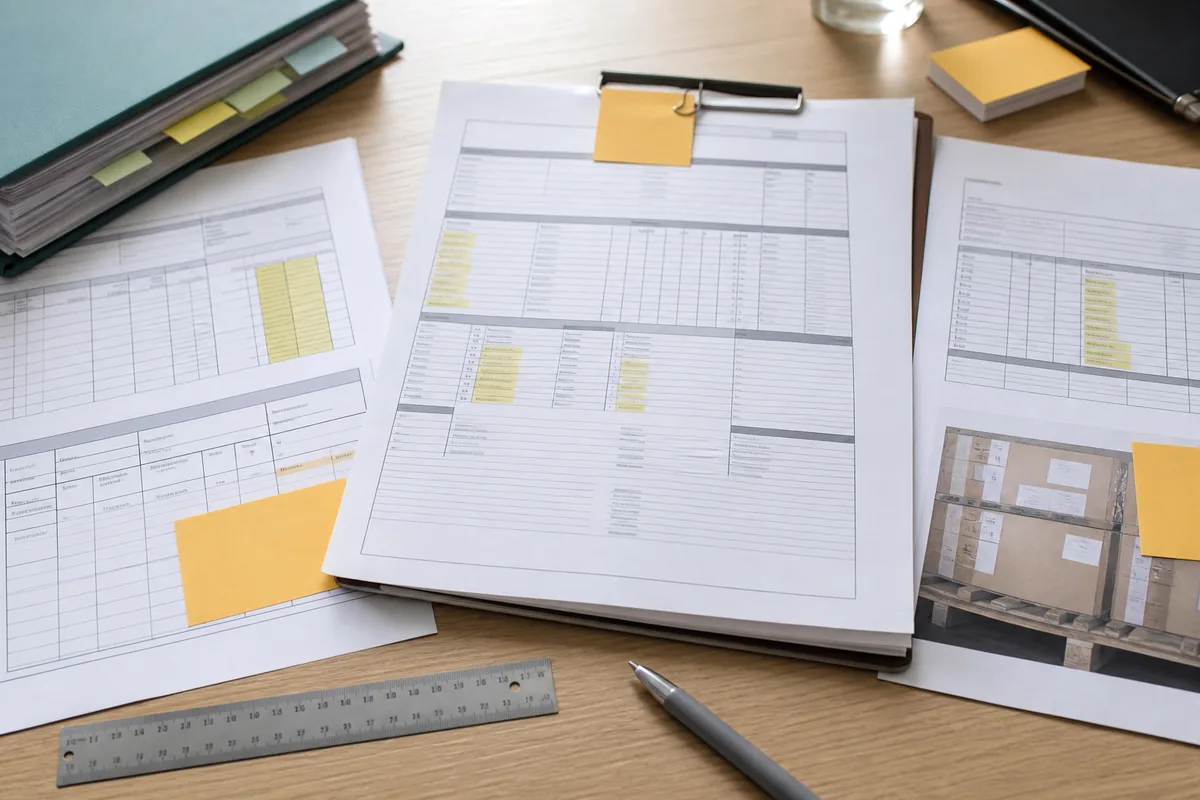
固定一份可识别的订单基线
订单变更必须指向明确的原版本。订单负责人先锁定采购订单号、版本号、签发日期、买卖双方、产品行、附件清单和双方接受证据。图纸、BOM、样品批准、包装稿、质量要求、付款条件和运输条款若构成订单的一部分,也要写入文件目录和优先顺序。
基线不是把所有邮件装进一个文件夹。审核人应能打开一个索引,知道哪份文件控制产品、价格、交期、检验和交付。旧稿保留历史,但文件名和状态清楚标明“作废”“待确认”或“已生效”。
供应商没有正式回签采购订单时,采购要保存其接受订单的可验证回复,并按合同及适用法律判断效力。内部系统显示“approved”只代表买方流程完成,不能证明供应商接受了全部条款。
每条变更只回答一个具体问题
一行记录包含变更编号、提出日期、提出方、订单行、字段名称、原值、新值、原因、预计生效批次和所附证据。颜色、材料、数量、单价、模具、包装、标签、交期、付款、工厂、运输地点和收款主体分开记录,便于各责任人判断影响。
供应商一句“same function, new material”不能进入批准状态。材料变化要写牌号、制造商、颜色、性能或法规文件;交期变化写原日期、新日期和生产节点;价格变化说明数量、规格、币种、税费或运输条件是否一起改变。
同一次谈判可以生成多条变更,但它们共用一个申请批次。这样团队可以接受交期调整而拒绝换料,也能看出某项折扣是否以降低规格或取消检验为条件。
先评估影响,再决定是否改订单
产品变化由工程或产品负责人查看功能、尺寸、材料和兼容性,质量人员评估样品、检验与测试,合规负责人核对目标市场和文件。数量与价格变化交给采购和财务,物流判断包装、交期、路线及费用,销售确认客户承诺。
影响表不要求小团队设置许多岗位。同一人可以承担多个角色,但签署时要写明以哪个职责作判断。提出变更的人不宜独自完成全部审批;涉及安全、法规、付款账户或大额成本时,应增加独立复核。
团队记录受影响的库存、在制品、已采购材料、模具、标签、检验计划、证书、发票、订舱和客户页面。变更成本包含报废、返工、重测、改单、仓储和延期后果,不能只看供应商报出的单价差。
双方同意的边界要写清楚
《联合国国际货物销售合同公约》第 29 条涉及合同经双方协议修改或终止,也处理书面形式条款的情形。公约是否适用、缔约国声明、合同选法和当事人行为都可能改变结论,企业应让法律人员结合交易判断,不能把聊天中的单方通知直接当成有效合同修改。
UNIDROIT《国际商事合同通则》也讨论合同修改、完整协议条款和书面修改条款。这套通则可能由当事人选择、纳入合同或作为解释参考,并非当然支配每笔交易。订单变更记录只保存业务事实,不代替适用法律判断。
供应商确认应重复订单号、变更编号、完整新值、生效范围、价格和交期影响。只回复“OK”而上文混有多个问题时,采购要求重新确认。买方也要由具备权限的人批准,销售、设计或货代不能替采购主体改合同。
采用整份现状或明确差异两种方式
OASIS Universal Business Language 2.3 的订单流程提供 Order Change 文档;其说明指出,订单变更反映订单交易的完整当前状态,供应商可接受或拒绝。企业即使不用 UBL,也可以借鉴“每次变更给出完整现状”的做法,减少多份差异叠加。
复杂订单适合发布新的完整采购订单版本,首页列出替代的旧版本和变更摘要。字段少、变更频率低的订单可以保留原订单,加一份双方签署的变更单。两种方法都要有唯一版本号和生效时间。
只发一张修改后的 PDF 而不保留差异,会让审核人看不出删掉了什么。系统应同时保留旧值、新值和最终完整版本,作废文件继续可查,但不能再触发付款、生产或出货。
配置管理方法可用于产品和文件
ISO 10007:2017 为组织使用配置管理提供指南,适用于产品和服务从概念到处置的生命周期。采购团队可把产品身份、文件版本和已批准状态当作配置项,借用识别、变更控制、状态记录与审核的思路。
这项标准不规定某笔采购合同如何修改,也不替企业批准产品。团队根据订单复杂度设计轻量表格,小订单不必照搬大型制造项目的全部流程。必要字段足以回答当前配置、历史变化、批准依据和使用范围。
实物样品也要带版本。批准样、限度样、色板或首件若因变更失效,质量人员贴上作废标识并保存照片,新的实物基线写入变更编号。
变更要穿过生产和检验
供应商确认后,项目负责人把批准版本送到工厂计划、采购物料、生产、质量和包装人员。高风险变化在投料或量产前安排新样品、首件或试产;未经批准的库存和在制品隔离处理。
检验申请引用当前订单版本和变更编号,检验员取得新版图纸、规格、包装稿和允许偏差。现场发现与旧样不同的地方时,可以从变更记录判断它是批准变化还是缺陷。
报告中的型号、颜色、数量和包装要与生效版本一致。检验完成后再发生返工、补产或替代,质量负责人决定原报告覆盖范围,不能让旧报告自动延伸到改变后的货物。
价格、付款和交期变化分别放行
价格调整需要修订订单总额、税费、折扣、已付定金和尾款。财务只按当前已批准版本付款。供应商用折扣换取提前付款、取消检验或第三方收款时,每个条件单独评估。
交期改变会影响客户承诺、订舱、仓储和资金计划。计划人员记录供应商承诺日期、买方要求日期和实际节点,避免把“预计完成”写成“可提货”。分批出货还要列出各批数量和剩余订单余额。
付款条件、金额、币种或受益人变化出现冲突时,财务暂停汇款。银行账户变化使用既有独立渠道验证,并把验证记录连接到变更单。
出货单证只能从生效版本取值
商业发票、装箱单、原产地资料、证书索引、运输指示和提单草稿都要引用当前产品与订单数据。美国 ITA 的形式发票指导说明,形式发票用于提供订单详情,并列出商品、价格、重量尺寸、贸易术语、付款条件和预计日期等字段;页面还提醒变更应取得买方同意。
物流在订舱前核对数量、件重尺、提货地址、指定地点和日期。报关人员需要产品描述、价值、原产地或监管资料时,从批准记录取值,不能从旧邮件拼出一套新申报。
订单已经部分出货后发生变化,团队标明哪些批次沿用旧版本,哪些批次采用新版本。发票和装箱单按实际批次拆分,历史货物不被新版本倒改。
网站和客户资料跟随批准版本
产品尺寸、材料、配件、包装或交期会进入制造企业网站、报价单和客户资料。内容负责人只使用已经批准且允许公开的字段;研发中的替代方案、供应商底价和未确认日期留在内部。
企业需要把产品主数据、订单变更和网页发布连接起来时,可由凯乐丰企业数字化服务规划版本字段、审核状态与发布权限。网页更新记录引用变更编号,内容人员能够查到哪些产品页和下载文件受影响。
变更被撤回或只适用于单一客户时,网站不能把它设为默认规格。停售型号的历史订单与页面版本继续归档,公开页面按当前销售状态处理。
关闭记录并带到复购
变更完成状态需要供应商确认、内部批准、支持文件、生产执行、检验核对、财务与物流同步。仍缺其中一项时,记录保持“待处理”或“条件批准”,并写明负责人和截止日期。
型号、材料、价格、交期或付款变化没有明确原值和新值,双方确认范围不清,下游仍使用旧版本,或合规与质量影响未评估时,团队暂停相关生产、付款或出货动作。审批人不能用一句“按聊天执行”关闭记录。
复购负责人查看上次变更,决定它属于永久产品基线、一次性例外还是已经失效。永久变化进入新订单正文;一次性例外不复制到下一票。归档包保留变更表、全部版本、证据附件、双方确认、影响审批和实际生效批次。
采购订单变更记录清单
- 锁定原订单版本、附件目录、双方主体和接受证据。
- 按字段记录原值、新值、原因、提出方和预计生效范围。
- 分别评估产品、质量、法规、价格、付款、交期和物流影响。
- 取得买卖双方有权限人员对完整变更内容的确认。
- 发布唯一生效版本,并把旧版本标成作废或历史。
- 同步生产、检验、财务、物流、报关和客户资料。
- 按批次记录实际执行情况,把永久变化带入复购订单。
本文参考的一手资料
- 联合国 UNCITRAL:《国际货物销售合同公约》用于国际货物销售合同修改、双方协议和书面形式边界;是否适用仍取决于交易与法律判断。
- UNIDROIT:Principles of International Commercial Contracts 2016用于国际商事合同修改、完整协议和书面修改条款的参考框架。
- OASIS:Universal Business Language 2.3用于 Order Change 的完整当前订单状态、接受或拒绝以及订单替换方式。
- ISO 10007:2017:Configuration management用于产品和服务生命周期中的配置识别、变更控制、状态记录与审核思路。
- 美国 ITA:Pro Forma Invoice用于订单商品、价格、重量尺寸、贸易术语、付款和预计出货日期等字段。