/ 4 min read / leftover labels / artwork control / shipment record

Supplier Wants to Use Leftover Labels

Leftover labels should be checked against artwork version, customer promise, and shipment date.

What to check in the order file

Supplier Wants to Use Leftover Labels starts when a buyer notices a supplier asking to use leftover labels from an earlier order. The order may still look normal, but leftover label use changes what another person will need to prove later.

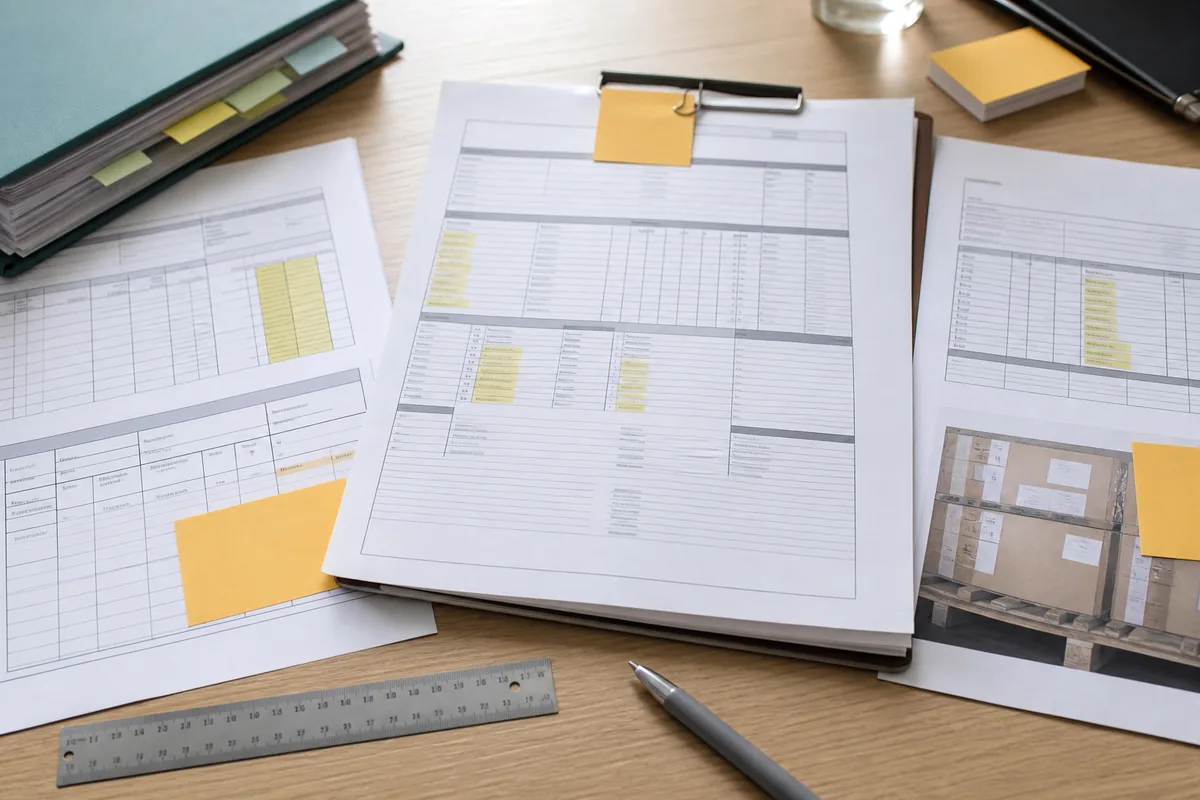
For leftover label use, the first pass should stay close to the documents. Compare old artwork, new artwork, PO, customer requirement, carton photos, label inventory, and supplier request.

A supplier may want to use leftover labels to save time or cost before shipment. The buyer needs one plain sentence: whether the old label still matches the product, customer, country, and date requirements.

The control question is narrow: can the buyer prove the label version that shipped?

When leftover label use affects value, beneficiary, carton count, origin wording, product description, freight charge, or claim credit, attach the buyer's decision to the commercial file.

Store the note near the artwork and shipment folder.

Before the file closes, write the leftover label use decision beside the document that controls the next step.

Make the decision before the next handoff

Leftover labels should be checked against artwork version, customer promise, and shipment date. The immediate question is whether the order file supports a decision on counterparty wants labels before production, inspection, or shipment sign-off. Link the answer to the supplier wants labels checkpoint for this order.

Start with the last version the buyer approved, then compare it with the approved sample or specification, product photos, test or certificate scope, label artwork, inspection record, and invoice model. Identify the changed name, value, quantity, address, product detail, or instruction rather than relying on the supplier's summary. Carry the result into the artwork control instruction used by the next team.

Test the file by handing it to someone who missed the call. That reader should be able to identify the old position, review the supplier's evidence, and understand why the change was accepted, rejected, or limited. The shipment record file should show how this point was resolved.

Ownership sits with the product owner, quality reviewer, and sourcing contact. The handoff note needs the active decision, controlling file, unresolved point, and date of the next check so teams do not act from different versions. State the remaining limit in the leftover labels note before the file is closed.

Incomplete evidence leaves a practical exposure: the goods may differ from the version, material, model, marking, or evidence that the buyer approved. Put that consequence in the approval note and choose a hold point, narrower approval, or outside review when the value warrants it. The next reviewer should find the answer under supplier wants labels without reopening the whole case.

Before closing the review, retain the earlier document version, name the changed field, tie the decision to po or invoice, and assign the next owner. The final note should be short enough to scan and specific enough for finance, logistics, quality, or customer service to use. Use the shipment record record to show who accepted the result and on what date.

Write the approval boundary in plain terms. It may cover this PO, shipment, value, model, or supplier answer, but it should not imply acceptance of every future variation. Make this result visible in the leftover labels decision record.

Close the record for the next order

The cited sources provide background for leftover labels; the decision still rests on current order files. Keep a source only when it supports the actual question being asked. Keep the supporting file beside the artwork control entry in the order folder.

Carry one useful control into the next order: the control that addresses the mismatch actually found. There is no reason to turn every reorder into a full investigation. Record the outcome with the supplier wants labels evidence before handoff.

Read the documents in transaction order: approved baseline, counterparty request, revised record, order owner check, and final approval. That sequence shows whether the change arrived before or after money, production, pickup, or a customer commitment moved. Link the answer to the leftover labels checkpoint for this order.

Do not close with a vague instruction to monitor the supplier. Name the next file, deadline, owner, and decision gate so the open point has a route to closure. Name this point in the artwork control closeout rather than leaving it in chat.

Identify one record as final. Rejected drafts can remain for history, but their file names should make clear that they no longer authorize payment, shipment, or claims. The shipment record file should show how this point was resolved.

A month later, the file should still answer who changed the record, why the purchasing team accepted the result, and what remained unverified. That is the practical test of whether the matter was documented rather than merely discussed. Attach the evidence to the supplier wants labels version that now controls the order.

Separate supplier evidence from importer conclusions. Store the original record first, then add the comparison and approval note so later corrections can be tested without rewriting history. State the remaining limit in the artwork control note before the file is closed.

Review record

Controlling recordsthe approved sample or specification, product photos, test or certificate scope, label artwork, inspection record, and invoice model
Decision ownerthe product owner, quality reviewer, and sourcing contact
Approval gateproduction, inspection, or shipment approval
Risk to recordthe goods may differ from the version, material, model, marking, or evidence that the buyer approved

Working checklist

  • Keep the earlier document version.
  • Name the changed field.
  • Tie the decision to PO or invoice.
  • Assign the next owner.
  • Store proof beside the final file.

Sources used for this guide