/ 客户案例 / 商标授权
供应商使用客户 Logo 证明能力时怎样核对授权与案例
官网上一排知名客户 Logo 很容易制造信任,却没有说明供应商做过哪种产品、承担什么环节,也没有证明品牌方同意公开展示。买方应把授权、合作事实和当前能力分开核对。
先记录 Logo 出现在哪里
采购人员可以保存官网页面、画册页码、展会海报和销售演示文稿,记录抓取日期、页面地址和周边文字。同一枚 Logo 放在“服务客户”“合作伙伴”或“行业经验”下面,会传达不同含义。只截图标而不保留上下文,后续很难判断供应商当时作出了什么声明。
页面若经过更新,应把旧版和新版并排保留。供应商删除 Logo 可以是授权到期、客户要求撤下或网站整理,不宜直接理解为合作造假。采购方需要的是可核对的解释和订单相关证据。
展示许可不等于供货能力
品牌方同意供应商在展会资料中展示 Logo,只说明某种使用获得许可。它没有自动证明供应商负责核心制造,也不能说明合作仍在继续。样品打样、包装代工、零件供应、贸易转售和整机生产都可能留下同一个客户名称,工作范围差别很大。
买方应追问合作年份、产品类别、供应商角色、生产地点和可公开程度。对方受保密协议限制时,可以隐藏价格、联系人和订单号,保留能够说明产品族、交付阶段和责任范围的摘要。拒绝泄露客户机密与完全拿不出能力证据属于两种情况。
商标属于权利人的识别标志
《商标法》把商标用于广告宣传、展览及其他商业活动也纳入商标使用。企业拿别人的 Logo 做官网背书前,应取得与使用场景相符的许可,并遵守颜色、留白、比例和并列关系等品牌规范。销售人员口头说“客户不会介意”,无法替代权利人的授权记录。
授权文件至少要能识别授权方、被授权方、标志、媒介、地区、期限和撤回方式。代理商或中间贸易公司出具许可时,还要确认它是否有权继续授权。涉及争议、知名商标或跨境投放,企业应让知识产权专业人员审阅。
客户名单也可能构成商业宣传
网站、画册和销售演示都可能影响买方判断。《广告法》要求广告真实、合法,引用资料应真实、准确并标明出处;现行《反不正当竞争法》也禁止对销售状况、用户评价、曾获荣誉等作虚假或引人误解的商业宣传。Logo 排列若让访问者误以为品牌方正在背书,就需要更谨慎的说明。
企业可以在案例卡片中写清“为某行业客户生产过某类零件”“经授权展示,合作范围以案例说明为准”。一句笼统的“全球品牌共同选择”既难核实,也把一次打样和长期供货混在一起。
核对案例与当前询价是否相关
供应商给消费电子品牌做过纸盒,不能据此证明它会生产电子产品。买方应把案例产品、材料、工艺、认证、年产量和本次询价逐项比较。关联越弱,Logo 对采购判断的价值越低。
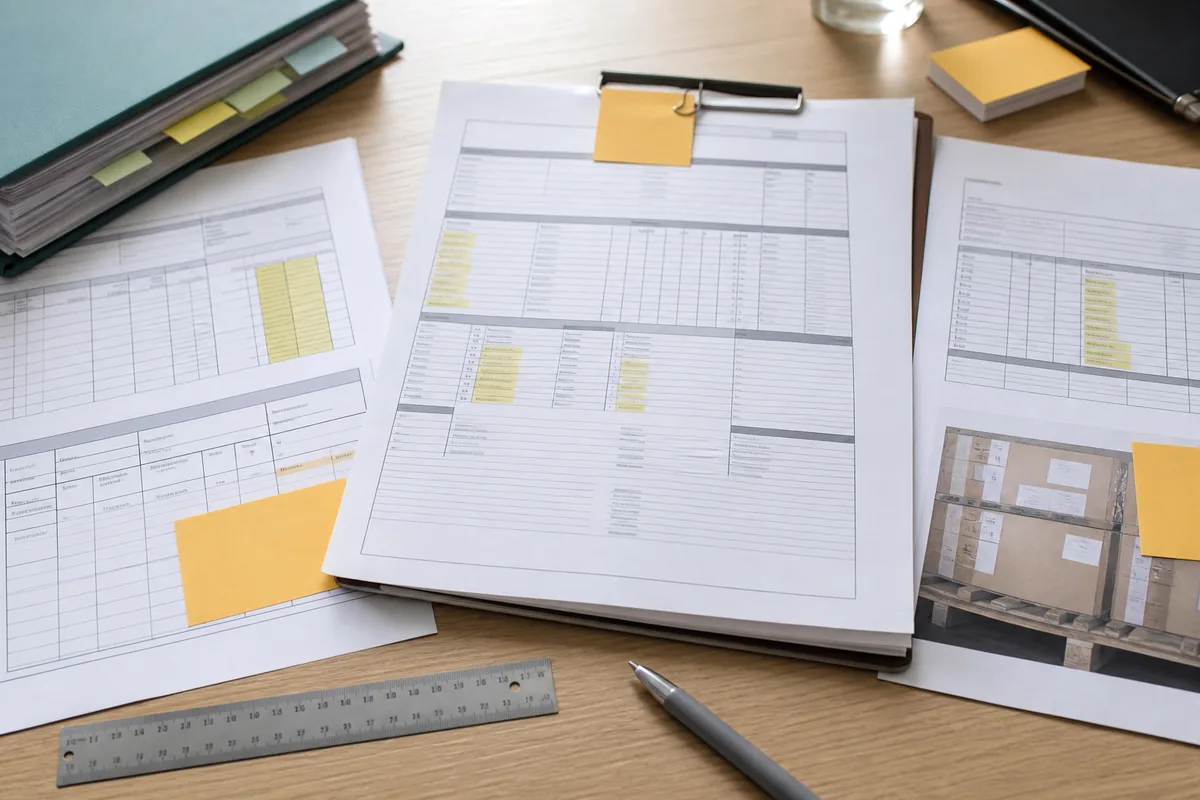
可以要求一组脱敏材料,例如产品照片、检验报告页、包装规范、生产记录摘要或客户确认。材料中的公司、型号和时间需要互相对应。单张合影或货架照片只适合提供线索,无法独立证明供货关系。
确认是哪一家企业完成了项目
集团内的工厂、贸易公司和网站运营公司常共用客户名单。采购方要核对案例由哪个法律主体签约,实际生产地点在哪里,当前报价方是否参与过项目。A 公司服务过客户,不代表同集团的 B 公司可以直接继承这段履历。
供应商可以提交主体关系说明,并把负责销售、生产、开票和收款的公司分别列出。官网也应说明案例属于集团、某家工厂还是授权合作伙伴。主体模糊时,可结合《供应商声称设有分支机构但查不到登记时怎样核对官网与主体》继续核对。
客户确认要走独立渠道
项目金额或风险较高时,买方可请求一位可联系的客户参考人,并先征得对方同意。采购人员应通过独立找到的公司域名、总机或职业资料确认身份,避免只拨打供应商提供的私人号码。
核实问题应聚焦可回答的事实,如合作产品类别、交付时期和供应商角色,不索取价格、配方或其他保密资料。参考人不愿回复并不能证明案例虚假,但买方要相应降低 Logo 在审批中的权重。
把能力证据放回采购判断
客户 Logo 的授权、合作产品、项目主体或与当前询价的工艺关系无法核实时,采购负责人暂停把该 Logo 计入供应商资格和订单批准,内容负责人暂停在官网、画册与销售演示中引用。供应商补齐许可记录和脱敏项目证据,采购、质量及品牌或法务人员再用样品、现场审核、质量记录、产能数据和合同责任核对当前能力,审批人记录证据边界后,才恢复资格判断和授权范围内的展示。
采购记录可以写明“Logo 已获展示许可,案例与本次工艺相关,但未取得客户参考确认”,并标注哪些证据影响了结论。团队后来复购时,就能看到判断边界,而不会把旧演示文稿当成永久资格。
官网案例页应让证据可读
制造企业展示案例时,可以用问题、产品范围、实施动作和可公开结果组织页面。客户名称受限时,采用“北美家居品牌”“欧洲工业设备客户”等经批准的描述,配上真实工艺和交付信息,仍比一排无说明图标更有说服力。
企业网站建设可以把案例授权期限、适用语言和到期处理做成后台字段;外贸独立站与内容优化还应统一中文、英文页面的客户称谓,防止中文页已撤下,英文落地页仍继续展示。
搜索摘要和图片文件同样要清理
企业从页面正文移除 Logo 后,旧图片、PDF 画册、开放图谱图片和搜索摘要可能继续存在。内容负责人需要检查媒体库、缓存、结构化数据和站内搜索结果,并按授权约定处理归档版本。公开文件名和图片 Alt 也不要暗示未经确认的客户关系。
SEO/GEO 内容优化应让案例页面回答“做了什么”和“证据在哪里”,避免把品牌词堆进标题吸引无关流量。对生成式搜索而言,清楚的主体、时间和产品范围也更便于准确引用。
建立授权到期与撤回流程
市场人员发布案例前,应保存批准邮件或合同条款,记录许可到期日。客户撤回同意、合作结束或品牌规范更新时,负责人要能定位 Logo 出现过的页面、下载文件和社交素材,并在约定期限内处理。
企业 AI 与数字化流程可以帮助扫描站内图片和文档,列出疑似品牌标志及到期授权。系统无法判断授权是否有效,也不能替企业决定某项合理使用或商标许可问题,确认工作仍由品牌、法务和业务负责人完成。
对外说明保留准确边界
企业取得客户许可后,也应避免让版式制造超出许可的印象。Logo 下方可以注明合作产品、年份区间或“经许可展示”,并让文字在移动端同样可见。把免责声明藏在页面底部,无法纠正首屏已经形成的强烈背书暗示。
凯乐丰的网站规划与建设服务可协助制造企业整理案例结构和发布字段。企业需要自行确认客户授权与事实材料;案例页面只发布双方允许公开的内容。
客户 Logo 核对记录
| 使用场景 | 官网、画册、展会或销售演示中的页面位置与周边声明 |
|---|---|
| 许可范围 | 授权方、标志、媒介、地区、语言、期限和撤回方式 |
| 合作事实 | 项目年份、产品类别、供应商角色、主体与生产地点 |
| 能力判断 | 案例与当前询价的工艺相关性,以及仍待验证的质量和产能 |
客户 Logo 与案例核对表
- 保存 Logo 出现位置、上下文和页面日期。
- 取得适用于当前媒介和地区的授权记录。
- 核对合作产品、时间、主体和供应商角色。
- 用订单或质量材料补充案例证据。
- 让官网文字说明案例范围,避免暗示全面背书。
- 设置授权到期、撤回和旧素材清理流程。
本文参考资料
- 《中华人民共和国商标法(2019 年修正)》国家知识产权局公布的商标使用与保护规则。
- 《中华人民共和国广告法》广告真实性、引证内容和广告行为规范。
- 《中华人民共和国反不正当竞争法(2025 年修订)》混淆行为和虚假、引人误解的商业宣传规则。
- 美国联邦贸易委员会:Advertisement Endorsements广告背书应真实且不得误导的官方说明。
- 美国联邦贸易委员会:Endorsement Guides 问答组织名称、标志与背书信息的披露提示。
- 美国国际贸易署:Company and Partner Risk交易伙伴背景与能力尽调参考。