/ 出货放行 / 产品版本 / 贸易单证
出货前怎样建立可签字的审核档案
验货报告写着“通过”,货代催着交仓,财务也准备付尾款。采购随后发现报告使用旧规格,装箱单比订单多了十箱,发票上的产品名称又与进口资料不同。出货前审核档案要让各部门看到同一批货的完整状态,不能只收集一堆已经发送过的附件。
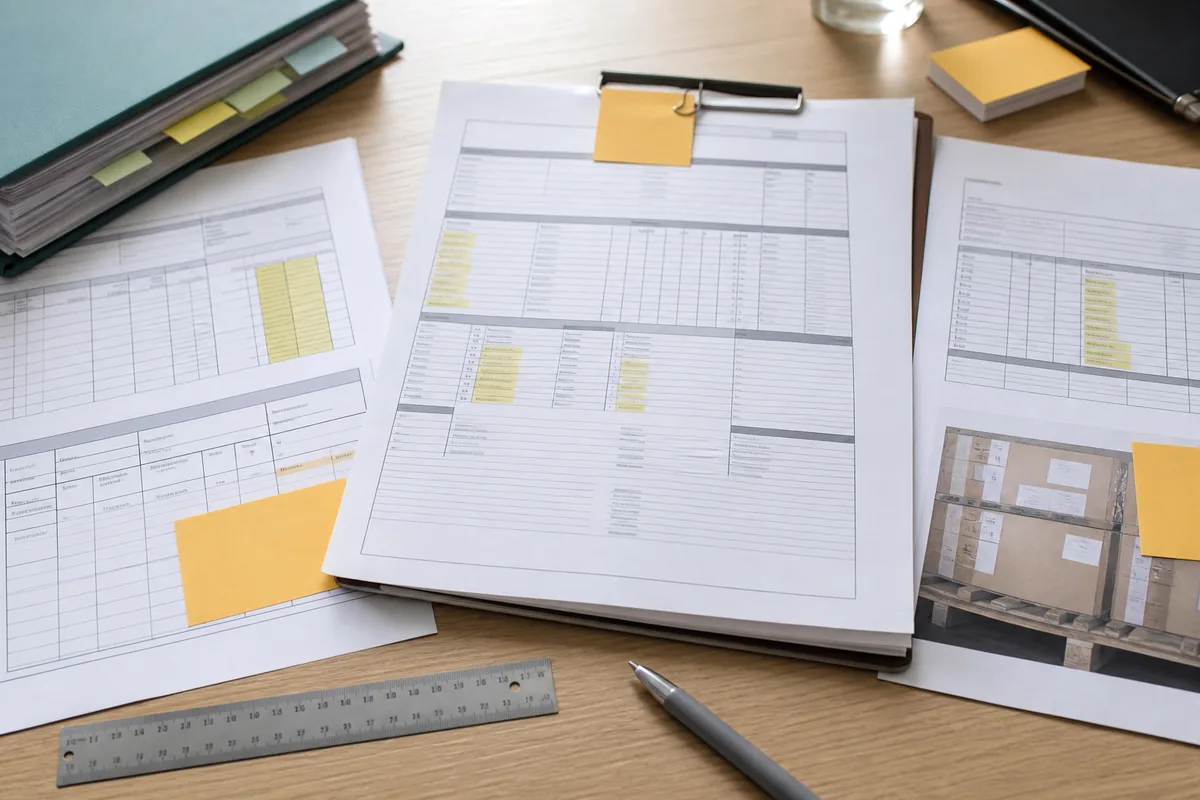
确定审核对象和截止时间
档案封面列出采购订单、合同卖方、制造工厂、产品型号、买卖双方 SKU、出货批次、目的国、进口主体、运输方式、计划提货日和审核截止时间。分批出货时,每票使用独立封面。
审核负责人建立文件索引,记录文件名称、版本、日期、提供人、审核人和状态。团队只在一个受控位置更新资料,聊天附件和邮件副本作为来源记录,不充当生效版本。
冻结订单和产品基线
采购确认最终订单数量、价格、币种、贸易术语、指定地点、交期、付款、包装和质量条款。产品负责人附上批准样、规格书、图纸、BOM、标签、说明书和测试要求。
ISO 10007:2017 为产品与服务全生命周期的配置管理提供指导。企业可用配置编号连接这些资料,避免报告、包装和生产现场各自引用不同版本。该标准目前有效,但已经进入修订流程,使用时应关注后续版本。
变更记录不能散落在聊天里
材料、组件、工艺、模具、工厂、数量、图稿、交期和运输安排发生变化,变更表记录原值、新值、原因、影响、证据、批准人及生效批次。供应商口头说“功能不受影响”不能关闭变更。
产品、质量、合规、客户和进口责任人按影响分别确认。变化触发重新测试、批准样、价格调整或客户通知时,档案保留完成证据。
检验报告先核对身份再看结论
质量负责人确认报告中的工厂地址、订单号、SKU、产品版本、现场数量、生产完成比例、抽样范围和检验日期。报告照片应能识别本批产品、包装和关键测量。
缺陷按严重程度和合同标准处理。返工后保存返工清单、完成数量和复验结果;买方接受例外时,授权人写明范围、原因、客户影响和后续纠正措施。
数量和包装做一次闭环核对
采购订单、检验报告、装箱单、商业发票、提货指示和仓库预报中的 SKU、数量、计量单位、箱数、净重及毛重应能逐项对应。套装、备件、赠品和样品单独列行。
包装审核包含内外箱尺寸、标签、条码、唛头、警告、原产地标识和托盘方式。抽查照片标注箱号与批次,不能只看供应商挑选的成品特写。
运输安排写清规则和地点
国际商会的 Incoterms 2020 规则界定销售合同下买卖双方在交付、风险和费用方面的重要责任。档案采用“规则+指定地点+Incoterms 2020”的完整写法,并核对订舱、提货和保险安排。
贸易术语不决定付款时间、所有权、质量验收或海关估价。档案仍需分别保存这些条款与证据。订舱信息改变港口、货好日、设备或截关时间时,由物流和采购确认影响。
贸易单证使用同一批货数据
UNECE 第 1 号建议为贸易和运输文件提供统一布局与数据位置。企业可让订单、发票、装箱、原产地和运输文件引用同一主数据,减少重复录入造成的差异。
格式统一不能证明内容真实。审核人员仍要核对交易主体、商品描述、数量、价值、原产地和运输事实,并给每份文件标记生效版本。
进口资料在提货前确认
进口责任人核对商品身份、归类、估价、原产地、许可证、测试和标签资料。材料、价格、费用或制造地点变化后,重新判断原申报准备是否仍然适用。
美国 CBP 的进口指南用“合理注意”说明进口商的申报责任,并明确指南本身不具有法律约束或先例效力。其他目的国应按照当地规则和授权专业意见处理。
付款状态与出货放行分开审批
财务列出定金、进度款、尾款、贷项、退款和银行费用,确认受益人与批准账户。付款条件要求检验或特定文件时,财务核对对应证据再放款。
付款完成不等于同意出货,出货放行也不自动证明尾款应付。两个决定分别留下责任人、时间和依据,避免一个部门的动作被当成另一个部门的批准。
ISO 9001 提供过程与记录框架
ISO 9001:2015 要求企业规划和控制满足客户要求的过程,管理文件信息,评价结果并处理不符合项。企业可以用这套思路分配出货审核责任和保留证据。
ISO 页面显示 2015 版当前仍有效,但预计将被新版替代。认证证书不能证明某批产品合格,也不能替代订单、检验和单证审核。
未决问题必须给出明确状态
问题清单区分“已关闭”“有条件接受”和“暂停”。每项写明事实、风险、临时措施、责任人、截止时间和关闭证据。无回复、口头承诺或计划稍后补文件均不能标为已关闭。
有条件接受需要授权人说明允许出货的范围和剩余控制,例如保留尾款、到仓复检或客户书面让步。影响安全、合规、产品身份、数量、账户或进口准入的问题保持暂停。
放行页由承担责任的人签字
产品负责人签产品版本,质量负责人签检验与缺陷,物流负责人签数量、包装和订舱,财务负责人签付款与账户,进口或合规负责人签申报和监管资料。采购负责人汇总,但不能替其他专业岗位作结论。
最终放行页写明出货批次、批准时间、生效文件清单和仍存在的条件。供应商、货代与仓库收到同一版放行通知;撤销或修改放行时保留原记录。
出现这些情况应暂停出货
- 订单、产品版本、批准样或实际生产批次无法对应。
- 关键变更没有影响评估、测试或授权批准。
- 检验报告身份、抽样范围或返工复验存在缺口。
- 订单、装箱、发票和运输资料的数量或描述不一致。
- 标签、许可证、原产地或进口资料尚未确认。
- 收款账户变化、应付余额或贷项状态没有闭合。
- 问题清单仍有影响安全、合规或客户承诺的开放项。
审核负责人维持暂停,并把问题分派给产品、质量、物流、财务和进口责任人。只有档案更新到生效版本并取得相应签字,货代和仓库才执行交接。
把审核档案接入订单流程
企业可以让询盘、报价、订单、产品版本、检验、付款和运输使用统一编号。凯乐丰的数字化业务流程可协助制造企业设置文件索引、跨部门审批和异常暂停,让出货结论能回到具体证据。
工作清单
- 确认订单、工厂、产品、批次、目的国和审核截止时间。
- 冻结生效规格、BOM、图稿、标签与批准样。
- 核对变更、检验、返工、数量、包装和运输安排。
- 让发票、装箱、原产地与进口资料使用同一数据。
- 分开付款审批、出货放行和有条件接受。
- 由产品、质量、物流、财务及进口责任人分别签字。
本文参考的一手资料
- ISO:ISO 9001:2015 质量管理体系用于过程控制、文件信息、绩效和不符合项管理;该版本当前有效并处于修订阶段。
- ISO:ISO 10007:2017 配置管理指南用于产品版本、变更和全生命周期配置记录。
- UNECE:联合国贸易单证布局样式建议用于订单、发票、装箱、运输和监管文件的数据对齐。
- 国际商会:Incoterms 2020用于买卖双方交付、风险和费用责任及指定地点的核对。
- 美国海关与边境保护局:Importing into the United States用于美国进口合理注意与申报责任示例,不替代其他法域规则。
适用边界:本文提供出货前跨部门审核和记录方法,不构成产品安全、质量认证、海关、税务、运输、付款或法律意见。企业应根据产品、合同、目的国和实际风险调整签字岗位与放行条件。